
 - The Ultimate Platform for Streamer Betting and Esports Duels
EA FC 27 Kit Editing Guide: How to Create, Customize, and Import Kits
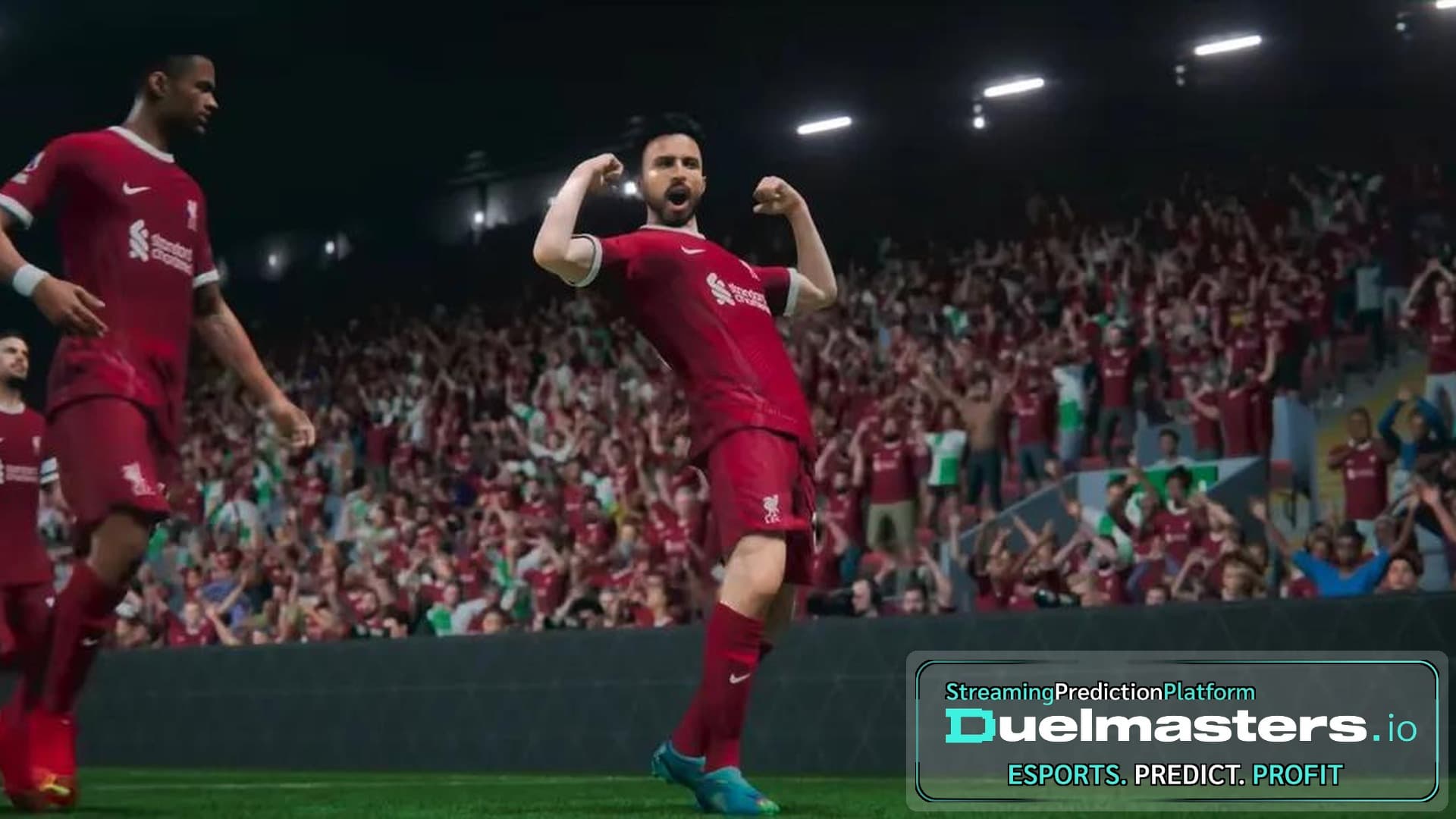
An FC 27 Kit can be customized through the game’s built-in club creation features or designed with external tools for PC. The difference matters: console players can use available in-game templates, while PC players have more design freedom through third-party software such as EAFC Kit Creator and FIFA Editor Tool.
Whether you want a realistic home shirt, a redesigned away kit, or an entirely new identity for your Career Mode club, the process starts with understanding what your platform supports. This guide covers kit creation, importing, design choices, troubleshooting, and the limitations you should know before editing.
Article content:
- Can You Edit Kits in EA FC 27?
- How to Customize Kits in Create-a-Club
- How to Use an FC 27 Kit Creator
- How to Import Custom Kits into FC 27 on PC
- Best Design Practices for Custom Kits
- Editing Kits During Career Mode
- Can You Customize Kits in Ultimate Team and Clubs?
- Common FC 27 Kit Editing Problems
- Is Custom Kit Editing Worth It?
- FAQ
Can You Edit Kits in EA FC 27?
Yes, but the available options depend on your platform and game mode. EA Sports FC 27 includes built-in customization for created clubs, while importing entirely new kit textures requires external PC tools.
There are three main approaches:
- Create-a-Club: Customize team kits using available in-game designs, colors, and patterns.
- PC modding: Design custom graphics and import compatible assets using community editing software.
- Ultimate Team and Clubs: Select available kits or use the customization features supported by each mode.
An important limitation is that standard Career Mode does not provide unrestricted editing of every licensed club’s shirts. EA has acknowledged requests for expanded kit customization but has not introduced a universal editor for licensed teams.
Duelmasters – The Ultimate Platform for Streamer Betting and Esports Duels
How to Customize Kits in Create-a-Club
Create-a-Club is the easiest starting point for FC 27 kit customisation because it does not require additional software.
When setting up a created club in Manager Career, you can choose your team’s visual identity using the available customization options.
Start by selecting a kit design that matches your club’s character. A traditional football club might suit a striped or solid-colored shirt, while a fictional modern team could use a more experimental pattern.
Next, establish your colors.
For example, a club with dark blue as its primary color could use white for its away shirt and a brighter accent for the third kit, where supported.
The most important design rule is contrast. Home and away shirts should look clearly different during gameplay, particularly from the standard broadcast camera.
Built-in customization is convenient, but it does not offer the same control over custom artwork, sponsors, manufacturer logos, and textures as external PC editing tools.
Duelmasters – Watch Streamers, Predict Results, and Win Real Rewards Instantly
How to Use an FC 27 Kit Creator
The EAFC Kit Creator at is a browser-based design tool that allows players to build custom football shirts using templates, colors, patterns, logos, and material settings.
You do not need to start every shirt from scratch.
First, choose a template close to your intended design. This provides a useful foundation for collars, panel structures, and overall proportions.
Next, adjust the main colors and add visual details. Keep the club badge prominent without allowing it to dominate the shirt.
The editor also supports additional graphic elements, including sponsor-style artwork and equipment branding.
Use the 3D preview to check how the design appears on a player model. A pattern that looks impressive when viewed flat may become distorted around the shoulders or sleeves.
Once the design is finished, export the appropriate files for your intended workflow.
Creating a kit design does not automatically install it into FC 27. Applying externally generated textures to the game requires compatible PC modding software.
Duelmasters – Real-Money Esports Betting on Streamers
How to Import Custom Kits into FC 27 on PC
EA Sports FC 27 kit editing on PC involves two separate processes: designing the shirt and connecting its files to the correct in-game assets.
FIFA Editor Tool version 2.2.0 introduced FC 27 support through an alpha release in October 2026. Because the tool is still evolving, menu layouts and compatibility may change between versions.
A typical workflow involves opening a compatible editor project, locating the club’s existing kit assets, and identifying the correct home, away, third, or goalkeeper assignment.
Import the exported textures into their corresponding assets. Where necessary, adjust the associated kit information using tools such as Teamkits Editor.
Pay particular attention to club IDs and kit slots. A correctly designed shirt will not appear properly if its files are assigned to another team.
Save your project and check the result in a controlled test environment before making further changes.
Third-party modding is not an officially supported customization method. EA’s rules restrict modified game clients and software that changes game interactions, so there are potential compatibility and account risks.
Best Design Practices for Custom Kits
A successful custom shirt must work at actual gameplay distance, not just in a high-resolution preview.
Three details deserve particular attention.
Color contrast: Choose clearly different home and away colors. Two predominantly dark shirts may look attractive individually but become difficult to distinguish during matches.
Logo placement: Badges, sponsors, and manufacturer marks should remain visible without overlapping major patterns or seams.
Number readability: Shirt numbers must contrast with the background. White numbers on pale yellow fabric, for example, can become difficult to read.
Also consider how lighting changes the design. A dark red shirt may look excellent under bright stadium lights but become nearly black during evening matches.
A useful test is to inspect the same kit during a daytime match and under stadium floodlights.
Editing Kits During Career Mode
Custom kits can improve long-term Career Mode immersion by allowing PC players to refresh a club’s appearance between seasons.
For example, imagine managing a lower-division team through promotion into the top flight.
During the first season, the club wears a simple traditional shirt. After promotion, you introduce a redesigned home kit with additional detailing and a new away color scheme.
That visual progression makes the save feel more personal.
For PC players using compatible tools, seasonal changes can involve creating replacement textures and updating the corresponding mod project.
However, not every modification works identically with existing saves. Changes to database information or kit assignments may require additional testing.
Always preserve your Career Mode save and original project files before applying major edits.
EA has also discussed broader Create-a-Club improvements as a future possibility, although unrestricted seasonal editing for licensed clubs remains constrained by licensing agreements.
Can You Customize Kits in Ultimate Team and Clubs?
Ultimate Team allows players to build a club identity using available kit items and other customization rewards.
FC 27 also introduces the FUT Gallery, where completing certain collections can unlock club-specific customization items, including crests and kits.
However, selecting an official Ultimate Team kit is different from importing an independently designed shirt.
In Clubs, players can customize their team’s identity using the available uniform editor and club options.
The level of control is more limited than an external graphics editor. Players seeking elaborate custom sponsors, unique textures, or completely original artwork may find the built-in options restrictive.
For online modes, using officially supported customization is the safer approach.
Common FC 27 Kit Editing Problems
Several problems can appear when working with custom kit files.
The new shirt does not appear. Verify that the texture was imported into the correct asset and that your editor supports the installed game version.
The wrong team wears the kit. Check the club ID and assignment data rather than immediately recreating the texture.
Logos or numbers appear incorrectly. Inspect the relevant texture placement, alignment, and kit configuration.
The kit becomes broken after an update. Check whether the latest FC 27 patch affected compatibility with your editing tools.
The design looks different in matches. Test its lighting, material settings, texture proportions, and color contrast.
The most efficient troubleshooting method is to edit one shirt for one team, verify that it works, and only then expand the project.
Is Custom Kit Editing Worth It?
Custom kit editing is particularly valuable for Career Mode players who want more believable club development.
A new uniform can make a fictional club feel established, refresh a long-running save, or recreate real-world designs that are missing from the game.
For console users, built-in customization is the simplest solution. PC players have greater creative possibilities, but external modding requires additional tools, careful testing, and acceptance of compatibility risks.
The best FC 27 Kit is ultimately one that matches your club’s identity while remaining clear and recognizable during matches.
FAQ
Can you create custom kits in FC 27?
Yes. Create-a-Club provides built-in customization, while PC users can design additional kits with external tools. The available level of customization depends on the platform.
What is the best FC 27 kit creator?
EAFC Kit Creator is a practical option for designing custom football shirts. It provides templates, colors, logos, and 3D previews, although importing textures requires separate software.
Can you import custom kits on PS5 or Xbox?
No. External texture importing through PC modding tools is not available through standard PS5 or Xbox customization features.
Can you edit licensed club kits in Career Mode?
Not through a universal in-game kit editor. PC modding tools can potentially replace existing textures, but compatibility varies, and such modifications are not officially supported.
Does FIFA Editor Tool support FC 27?
Yes. Version 2.2.0 introduced FC 27 support through an alpha release. Check current compatibility before starting a new project.
Can you change kits every season in FC 27?
PC modding can allow seasonal texture replacements. However, standard in-game options do not provide unrestricted annual kit redesigns for every licensed club.
Can you import your own sponsors and badges?
External PC design tools support custom graphical elements. Built-in customization has more limited options, and importing additional artwork into the game requires a compatible modding workflow.