- The Ultimate Platform for Streamer Betting and Esports Duels
FC 26 Controller Settings: Optimize Your Gameplay
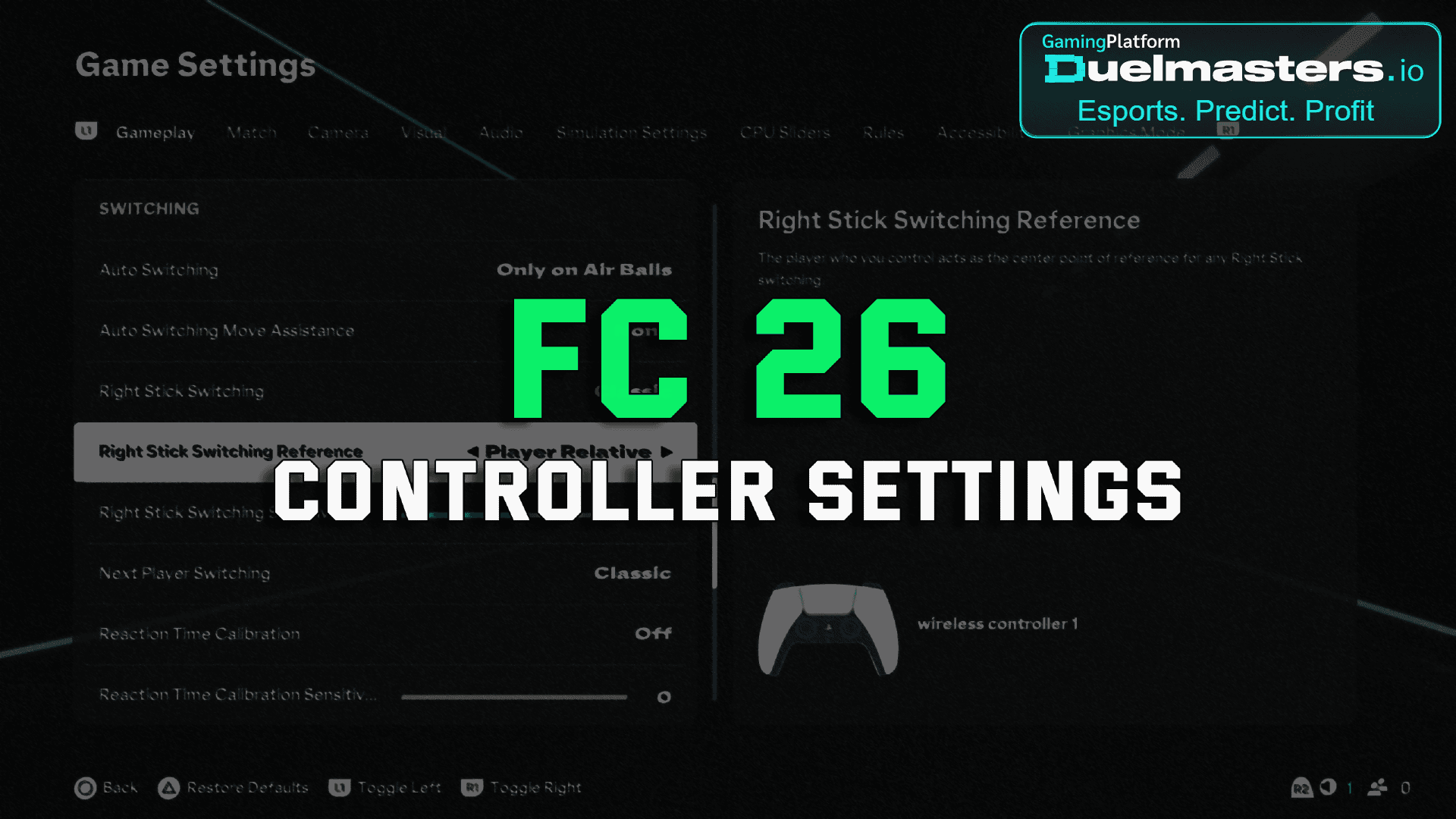
Understanding the best FC 26 controller settings is essential for competitive gameplay. Whether you’re a beginner or a seasoned player, adjusting your gamepad settings can dramatically improve performance. Many players underestimate the impact of fine-tuned controller configurations. This guide breaks down the most effective controller settings in FC 26 and explains how they influence your in-game experience.
Article content:
- Importance of Controller Settings in FC 26
- How to Access Controller Settings in FC 26
- Recommended FC 26 Controller Settings
- Top Game Settings in FC 26
- Advanced Controller Tweaks
- Vibration and Trigger Effects
- Best Settings for Online Competitive Matches
- Gamepad Custom Button Mapping
- PC Controller Optimization
- How Duelmasters Rewards Skillful Settings
- Tips for Practice and Mastery
- Common Mistakes to Avoid
- Summary: Mastering FC 26 Controller Settings
Importance of Controller Settings in FC 26
Controller settings in FC 26 directly affect how you pass, shoot, defend, and dribble. With FC 26 introducing subtle changes to mechanics compared to FC 25, players must revisit their setups. The right settings enhance responsiveness, allow for smoother movement, and reduce input lag. Competitive players on platforms like Duelmasters, where Twitch streamers compete for real money, often credit optimized controller setups for their wins.
Duelmasters – The Ultimate Platform for Streamer Betting and Esports Duels
How to Access Controller Settings in FC 26
To access your controller settings:
- Launch FC 26.
- Go to the Main Menu → Settings.
- Select “Controller Settings” and begin customization.
Make sure to save your profile afterward. You can also save multiple controller profiles for different playstyles or modes (e.g., FUT, Career, Volta).
Recommended FC 26 Controller Settings
Competitive Setting Presets
Most pro players prefer:
- Preset: Custom
- Competitive Master Switch: On (activates contextual dribbling and jockeying mechanics)
These settings are crucial for competitive modes like FUT Champions or online seasons.
Assisted vs Manual Controls
- Passing Assistance: Semi
- Shooting Assistance: Assisted
- Through Ball Assistance: Assisted
- Cross Assistance: Semi
- Lob Pass Assistance: Assisted
These values provide a balance between accuracy and control. Using full manual settings requires more skill and is not recommended unless you’re experienced.
Top Game Settings in FC 26
Camera Settings for Better Vision
- Camera Type: Co-Op or Tele Broadcast
- Height: 12–15
- Zoom: 0–3
A wider camera helps anticipate player movement and enables better defense.
Gameplay Customizations
- Timed Finishing: Off (unless you’re confident)
- Player Switching: Auto + Manual
- Right Stick Switching: Adaptive
- Pass Block Assistance: On
These settings simplify defensive mechanics and improve build-up play.
Duelmasters – Real-Money Esports Betting on Streamers
Advanced Controller Tweaks
Analog Sprint Sensitivity
Setting this to On gives variable sprint speed, useful for adjusting pace without toggling sprint constantly. This is especially valuable when playing Ultimate Team or in Duelmasters challenges.
Jockeying and Defending
- Jockey: Manual
- Defending: Tactical
Tactical Defending gives more precise control over player positioning.
Vibration and Trigger Effects
Should You Disable Vibration?
- Vibration Feedback: Off
- Trigger Effect: Off
Disabling these improves battery life and reduces distractions. Many esports professionals opt to turn these off, especially during high-stakes Duelmasters matches.
Duelmasters – Watch Streamers, Predict Results, and Win Real Rewards Instantly
Best Settings for Online Competitive Matches
Pro Player Preferences
FC 26 competitive players prefer tighter control, fast switching, and responsive movement. These settings are widely used by Twitch streamers participating in tournaments and fc 26 betting events on Duelmasters.
- Auto Clearances: Off
- Auto Shots: Off
- Pass Receiver Lock: Early
Early lock ensures passes go where you aim, especially useful during fast-paced matches.
Preferred Defense Settings
- Pass Block Assistance: On
- Auto Switch: Air Balls + Loose Balls
- Clearance Assistance: Directional
Gamepad Custom Button Mapping
Customizing Buttons
You can remap buttons to suit your preferences:
- Swap LT/RT with LB/RB for defending
- Assign shooting to bumpers for quicker reactions
While this is optional, many players who transition from other football games prefer full customization.
PC Controller Optimization
Using Xbox or PS Controller on PC
- Use Steam Big Picture mode for FC 26.
- Calibrate the analog sticks for better precision.
Ensure minimal input delay by using a wired controller. This is vital for competitive matches on platforms like Duelmasters, where milliseconds can define victory.
Duelmasters – Real-Money Esports Betting on Streamers
How Duelmasters Rewards Skillful Settings
Competitive Edge via Custom Settings
Players on Duelmasters can stake on Twitch streamers and join skill-based tournaments. Having the best FC 26 controller settings provides a visible edge. Streamers often share their settings live, allowing followers to mirror their success. Duelmasters rewards precision and performance, and optimized game settings are part of that formula.
Watch & Win Format
On Duelmasters, users can:
- Watch a live streamer
- Bet on challenge outcomes (e.g., win 3 FUT matches in 1 hour)
- Earn rewards if the prediction is correct
Using optimized settings improves the likelihood of success, both for streamers and spectators.
Duelmasters – Watch Streamers, Predict Results, and Win Real Rewards Instantly
Tips for Practice and Mastery
Practice Arena
Use the Practice Arena to test changes in real-time. Adjust dribbling and shooting to feel how different settings impact control.
Skill Games
Skill Games now reflect competitive meta. Focus on:
- Passing drills
- Timed shooting
- Defense tracking
These mini-games help solidify muscle memory with your chosen controller setup.
Common Mistakes to Avoid
Copying Pro Settings Blindly
What works for pros might not work for you. Always test adjustments before competitive play.
Ignoring Latency
Controller settings won’t matter if input delay ruins timing. Use wired connections and optimize network settings.
Summary: Mastering FC 26 Controller Settings
Key Takeaways:
- Customize controller and game settings for smoother, faster gameplay.
- Disable distractions like vibration to focus on mechanics.
- Use Duelmasters for competitive challenge-based betting.
- Practice in arena before playing online.
With these settings and the Duelmasters platform, you can turn every FC 26 match into a performance—and maybe even profit from it.