- The Ultimate Platform for Streamer Betting and Esports Duels
FC 26 – Best Camera Settings
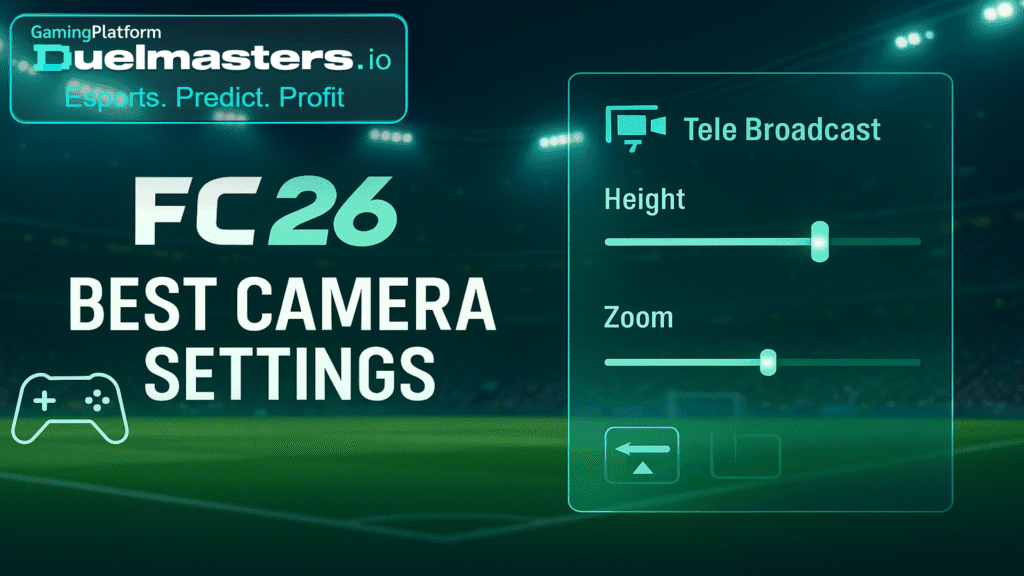
Camera settings influence what you see: passing lanes, off‑ball runs, defensive shape, and speed of decisions. The best camera settings in FC 26 help minimize blindspots and maximize spatial awareness. Poor camera settings can obscure wingers, block your view of overlapping runs, or mislead you on attacker positioning.
Because Duelmasters lets viewers bet on streamed FC 26 matches, how well a streamer sets their camera can affect their predictability, performance, and how easily viewers interpret their decisions.
Article content:
- Default Camera Types vs Custom Modes
- Recommended Camera Settings: Height & Zoom
- Disabling Distractions & Enhancing Clarity
- Camera Settings by Game Mode
- Balancing Control & Spatial Awareness
- Tweaking Based on Display & Distance
- Using Camera Settings to Enhance Prediction & Betting
- Steps to Set Camera in FC 26 (Try These)
- Common Mistakes to Avoid
- Camera & Competitive Performance
- Camera Settings on PC vs Consoles
- Summary
Default Camera Types vs Custom Modes
Before customizing, know the built‑in camera types:
- Tele Broadcast: Closer to TV angle, more player detail
- Co-op / Competitive / UT Competitive: Provides wider view, more pitch vision
- Tactical / Rush-specific cameras: Optimized for fast modes
Many players prefer Tele Broadcast or Co-op / Competitive modes and then customize zoom/height to balance clarity vs coverage.
Duelmasters – The Ultimate Platform for Streamer Betting and Esports Duels
Recommended Camera Settings: Height & Zoom
To achieve optimal visibility:
- Height: 20 (max height) – this gives a more top-down angle to see more of the pitch
- Zoom: 0 – minimal zoom ensures you see full width, avoid cutting off players
- Camera Swing / Pro Camera Speed: Moderate settings (if adjustable) to reduce erratic motion
These settings help you spot runs early, manage fullbacks, and defend broadly without turning the camera too much mid-play (GameSpot recommends Height 20, Zoom 0 as a starting point).
Disabling Distractions & Enhancing Clarity
Some camera features are visually stylish but harmful for clarity:
- Power Shot Zoom: turn OFF – zooming during shots ruins situational awareness
- Camera Shake: disable to avoid erratic motion during intense moments
- UT Competitive Camera: many players disable this — it adds cinematic moves which can distract from core gameplay
You want your view stable, predictable, and fully focused on pitch action.
Duelmasters – Watch Streamers, Predict Results, and Win Real Rewards Instantly
Camera Settings by Game Mode
Different modes may call for slight adjustments:
- Ultimate Team / Competitive Modes: use your preferred layout (Tele or Co-op) with height 20, zoom 0
- Rush / Fast Modes: use tactical or Rush‑optimized camera, preserve visibility
- Career / Kick-off: Tele Broadcast often gives better immersion
Having a consistent camera across modes helps maintain muscle memory and performance.
Balancing Control & Spatial Awareness
Good camera setup helps you:
- See your defenders and attackers simultaneously
- Choose passing lanes without camera rotation
- Read opponent movement earlier
- Avoid input errors caused by hidden players
Too much zoom or low height forces micro adjustments and impairs reaction.
Tweaking Based on Display & Distance
Depending on your screen size, viewing distance, and display:
- On large TVs / distance: you might adjust Zoom to ~5‑10 to make players more visible
- On monitors or close setups: keep zoom minimal
- If your eyes strain or you miss far side runs, raise height or widen angle
Always test in a friendly match before applying in competitive.
Duelmasters – Real-Money Esports Betting on Streamers
Using Camera Settings to Enhance Prediction & Betting
In a Duelmasters context: when watching streamers or placing bets, camera clarity matters:
- Streamers with clear, wide camera views allow viewers to detect their decision‑making
- Observers can assess formation changes, runs, and positioning more reliably
- Better camera = fewer hidden surprises = safer betting decisions
A streamer who switches to tighter or rotating camera mid-match may confuse viewers or update odds.
Steps to Set Camera in FC 26 (Try These)
- Go to settings → camera
- Choose your base camera (Tele or Co-op/Competitive)
- Set Height = 20, Zoom = 0
- Disable Power Shot Zoom, Camera Shake, and cinematic effects
- Test in match mode; adjust zoom slightly if needed based on your display
- Lock those settings and avoid changing mid-match
Test and iterate based on comfort, but prefer consistency.
Common Mistakes to Avoid
- Using too much zoom → field elements cut off
- Low camera height → player overlap, difficult read
- Leaving Power Shot Zoom or camera shake on
- Switching camera types mid‑match — breaks muscle memory
- Not customizing per display / monitor distance
These mistakes degrade your situational awareness.
Duelmasters – The Ultimate Platform for Streamer Betting and Esports Duels
Camera & Competitive Performance
Top competitive players often use Tele Broadcast or Co-op / Competitive with minimal zoom and max height. They disable cinematic features. Some resources mention these settings being popular among pros.
Consistency gives them faster reads and more accurate spatial decisions, which matters under pressure.
Duelmasters – Watch Streamers, Predict Results, and Win Real Rewards Instantly
Camera Settings on PC vs Consoles
On PC you may have more flexibility (performance, customization). On consoles your main settings are limited but you can optimize:
- Use Fullscreen mode for stable camera rendering
- Avoid display scaling or overscan that cuts edges
- If using a large TV, increase zoom slightly to make players clearer
Camera works best when matched to hardware and display.
Duelmasters – Real-Money Esports Betting on Streamers
Summary
- Best camera settings in FC 26: Height 20, Zoom 0, Tele or Co-op / Competitive base
- Disable distracting features (Power Shot Zoom, Shake)
- Adjust zoom slightly for your screen, but prioritize field visibility
- Maintain consistency across modes
- In the Duelmasters ecosystem, camera clarity helps viewer analysis and FC 26 betting decisions
Set good camera early, stick with it, and your chance to spot runs, defend smartly, and make accurate passes will improve.